
Product Information
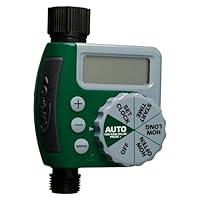
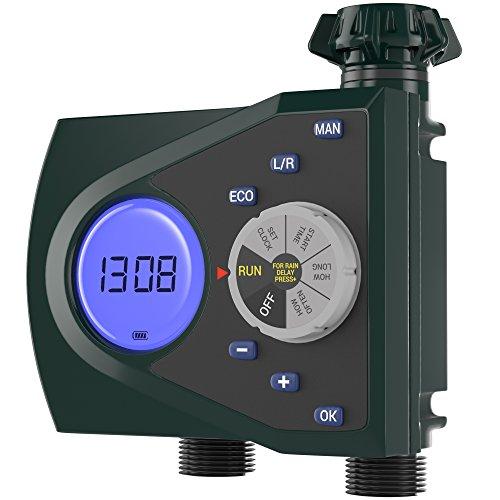
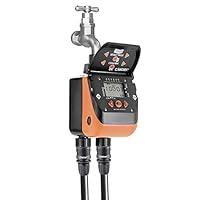
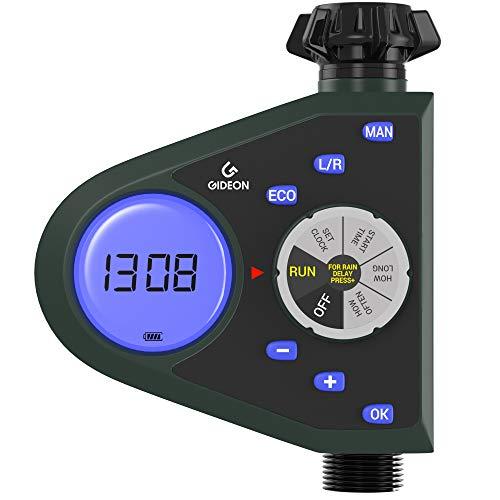
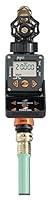
- Auto: After finishing all settings, press Auto again. At this time, the display will show the current time and the next watering time.
- Manual button: Press and hold the M button to enter manual mode, which will not affect the setting of the time program.
- Time increase or decrease button: press and hold to increase or decrease time.
- Start time: Press this button to enter the setting to start watering time mode. You can design the required time by long pressing +/-.
- Set clock: After pressing this button, you can use the +/- buttons to set the current specific time. You can hold +/- to automatically add and subtract.